




Gato gPortalSelf-Service Customer Portal for Brokerage Clients

    Gato gPortal

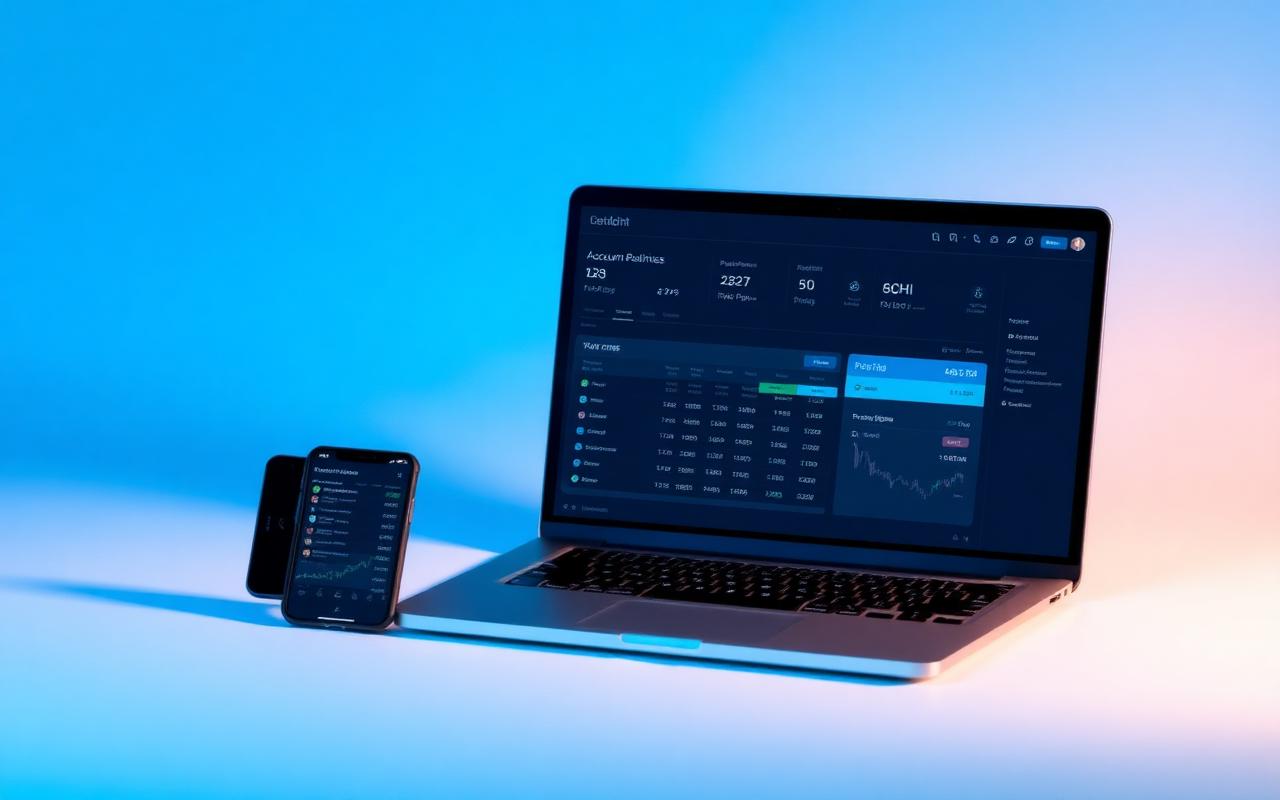
    Gato gPortal is a self-service portal for approved brokerage clients. They sign in to see balances and activity, and to move funds by ACH. It all happens in one secure place. gPortal also works with Gato gFlow and Gato gView, so the client experience stays joined up.

    Gato gPortal — Secure Self-Service Customer Portal
    Secure Self-Service Customer Portal — Account View | ACH Transfers | Statements & Reports
    At a Glance
    • 01

      Secure Self-Service Access

    • 02

      Unified Account View

    • 03

      ACH Fund Movement

    • 04

      Reduced Support Load

    • 05

      White-Label Ready

    Key Capabilities

    Secure Access

    Email and password authentication with two-factor (OTP) verification keeps every client session protected.

    Account Overview

    Equity, balances, and account type at a glance.

    Activity & Positions

    Activity history straight from the back office. Search and filter it fast.

    Funds Transfer (ACH)

    Deposit and withdraw funds. Plaid handles review and confirmation.

    Profile & Documents

    See your details on file. Ask for changes, and we approve them.

    Firm Notifications

    Alerts sent from the back office. Clients can search, filter, and export them.

    Business Benefits

    Reduced Support Workload

    Clients help themselves. Support load stays flat as the client base grows.

    Controlled Data Exposure

    Clients get read-only access. They see what they need, and nothing can be changed.

    White-Label Ready

    Put your brand on it. The security and compliance stay ours.

    Target Users & Integrations

    Target Users

    • Approved retail trading clients
    • Funded brokerage accounts
    • Active stock and options customers

    System Integrations

    • Back-office systems for accounts, balances, activity, and statements
    • Plaid for ACH bank account linking
    • Email and OTP-based authentication services
    • Gato gFlow and Gato gView for end-to-end client experience
    Next step

    See gPortal in action

    Walk through gPortal with our team on a live environment using your workflows, venues, and reporting obligations.

    About gPortal

    How firms use gPortal

    gPortal is the client-facing front end of the suite: statements and confirms, documents and tax forms, account activity, transfers, and self-service profile management, in one branded portal.

    Client servicing volume is largely a function of what clients cannot see. When statements arrive by email, transfer status is opaque, and a form change requires a phone call, the operations team absorbs the difference. gPortal exposes the firm's own records — the same account, position, transaction, and document data the back office works from — to the client directly, with entitlements controlling who sees what, and every self-service action written back to the same audit trail as an internally keyed change.

    • Statements, confirms, and tax documents delivered in one branded portal.
    • Positions, balances, and account activity from the firm's own records.
    • Transfer initiation and status tracking through gView.
    • Entitlements for advisors, signatories, and multi-account clients.
    • Self-service actions written to the same audit trail as internal changes.

    Client servicing volume is largely a function of what clients cannot see. When statements arrive by email, transfer status is opaque, and a form change requires a phone call, the operations team absorbs the difference in inbound contacts.

    gPortal exposes the records the back office already works from, with entitlements controlling who sees what. Because self-service changes land in the same audit trail as internally keyed ones, giving clients more control does not cost the firm supervisory visibility.

    What can clients do in gPortal?

    View positions, balances, and activity; download statements, confirms, and tax documents; initiate and track ACH and wire transfers; update profile and contact details; and complete outstanding document requests.

    Is gPortal white-labelled?

    Yes. Branding, navigation, enabled features, and available document types are configured per firm, and the portal can be surfaced under the firm's own domain.

    How does gPortal handle entitlements for advisors and multi-account clients?

    Users can be entitled across multiple accounts with role-based permissions, so an advisor, an entity signatory, and an individual client each see the accounts and actions appropriate to them.

    Does gPortal require the rest of the Gato suite?

    No. It can be deployed against existing account, position, and document sources, though firms running gFlow, gView, and gNexus alongside it get client-visible data without a synchronisation layer in between.

    Can gPortal run on our own domain with SSO?

    Yes. The portal is served under the firm's domain with its branding, and single sign-on can be federated against an existing identity provider so clients keep one set of credentials.

    What does gPortal reduce in practice?

    Firms deploying it typically see fewer inbound requests for statements, tax forms, and transfer status, because those are the three questions clients ask most and the three the portal answers without a person.